Routing Matrix
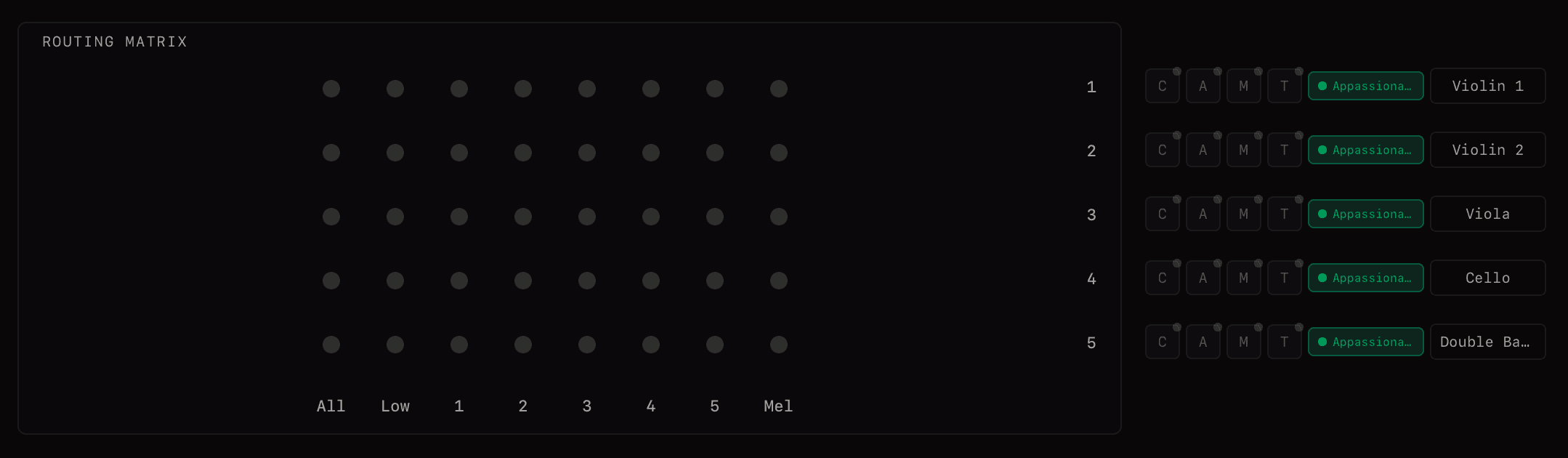
The routing matrix is at the centre of the main view. It connects 8 grid inputs (columns) to up to 64 output rows (rows), allowing any input to route to any combination of outputs.
Adding a Connection
Click a node in the matrix to create a connection between that grid input and output row. Notes arriving at that input will be sent to that output.
Per-Connection Transposition
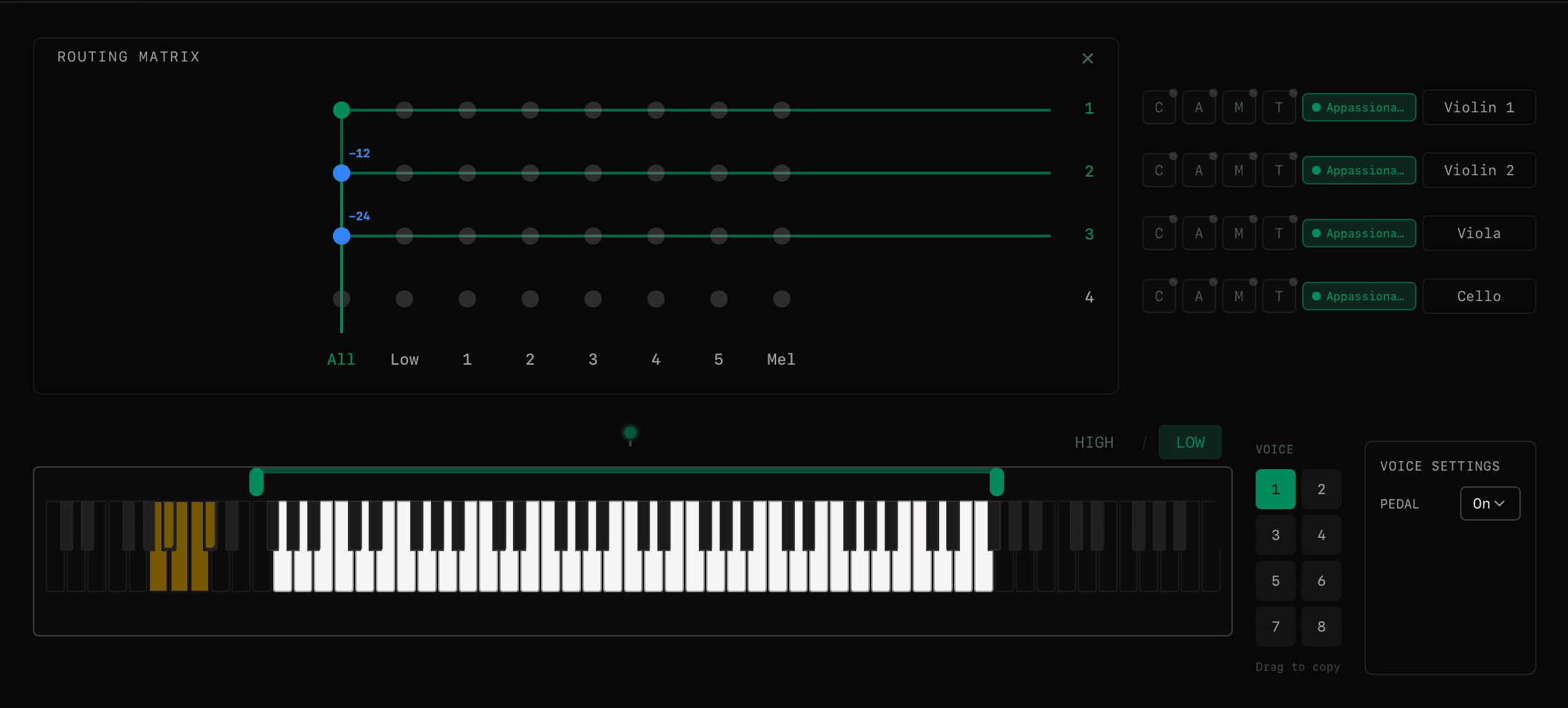
Each connection has its own transpose value (−24 to +24 semitones). Alt+click and drag a node to adjust its transposition. A single grid input can feed multiple outputs at different transpositions.
Example: Octave Doubling
- Input 1 → Output 1 (Violins): 0 semitones
- Input 1 → Output 2 (Violas): −12 semitones
- Input 1 → Output 3 (Cellos): −24 semitones
The same chord plays across three string sections with automatic octave doubling.
Multiple Connections
A single grid input can connect to any number of output rows. An output row can receive from multiple inputs. There is no constraint on the shape of the routing—the matrix is fully flexible.
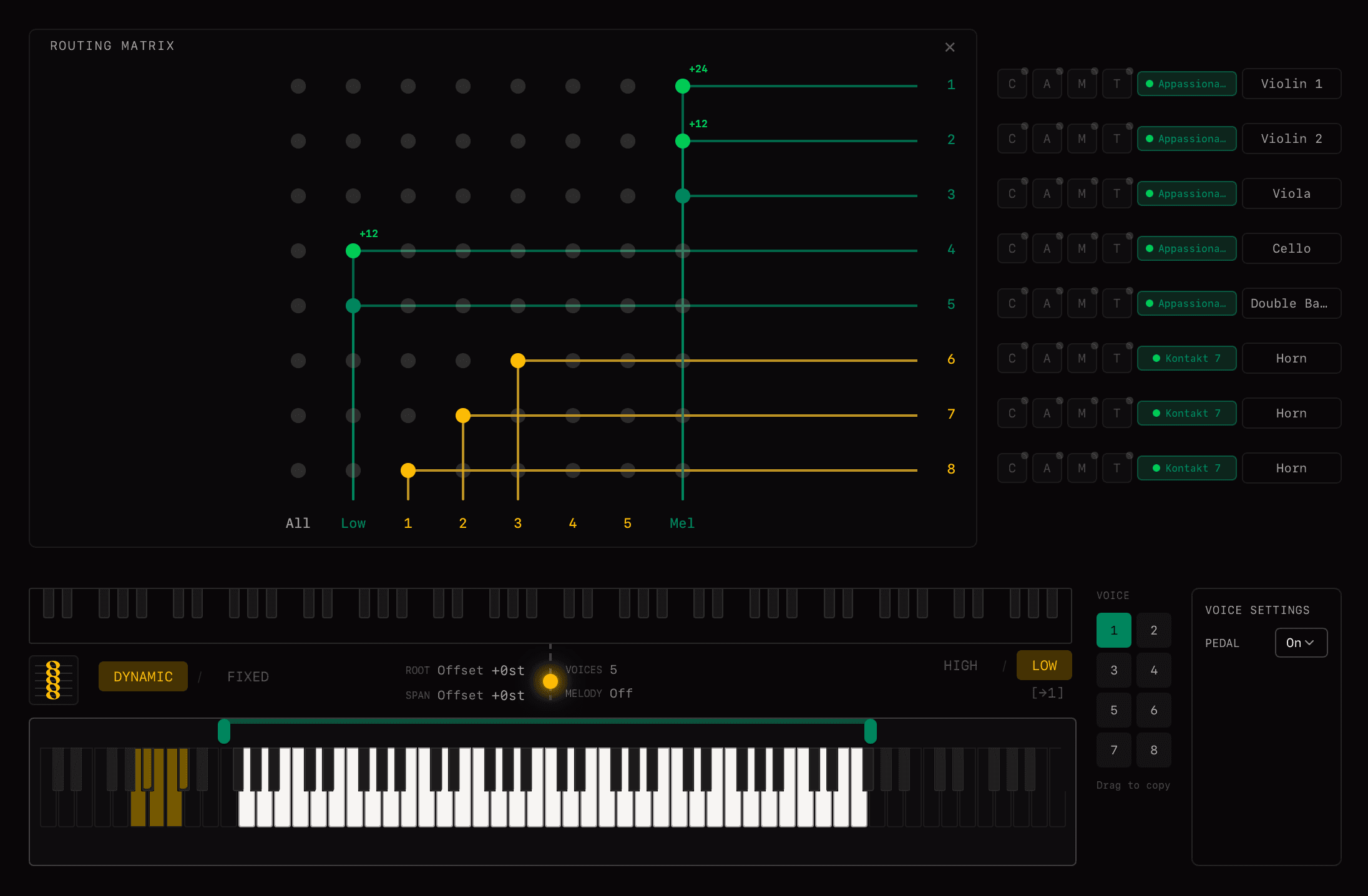
Key fact: The matrix supports up to 64 output rows, each with independent transpose settings per connection. Enable more outputs via Global Settings.
Control Change Handling
When multiple grid inputs are connected to the same output row, note messages merge naturally. However, control change (CC) messages require special handling:
The matrix automatically reduces CC connections to a 1:1 basis, even when multiple inputs route to the same row. This prevents CC jitter and conflicting control values that would otherwise cause unpredictable instrument behaviour.
Matrix Parameters
| Parameter | Range |
|---|---|
| Connection (input → row) | Any combination |
| Transpose per connection | −24 to +24 semitones |
Tips
- •Connect the same input to multiple rows for layering and doubling effects
- •Use different transpose values to create harmony from a single input
- •Combine with Voice Layer key filters for crossfades between sections
- •Use Latch Mode to hold notes while adjusting routing
Related
Mailing list